Even in the Age of AI, IoT Still Requires Physical Access
Introduction
Prying open the physical casing around a device, chasing signals along densely packed bus lines, pulling firmware off a chipset and reading down through the binary. Vulnerability analysis on embedded devices has always been solitary manual work that demands time and stubborn hands.
But the paradigm is shifting. Attackers are now abusing LLMs to mass-produce botnet variants and malware aimed at IoT devices in moments, driving infections at scale — the speed of attack has already outrun the limits of human defense.
Web and application security matter, but understanding embedded security, the point where software meets the physical world, is the key to preparing for what is coming. Once the era of Physical AI arrives, with an artificial brain fully joined to physical limbs, the success or failure of embedded security will translate directly into real-world safety.
To get ahead of that Physical AI era, we are beginning a sustained research effort into vulnerabilities in embedded and IoT devices, both domestic and foreign.
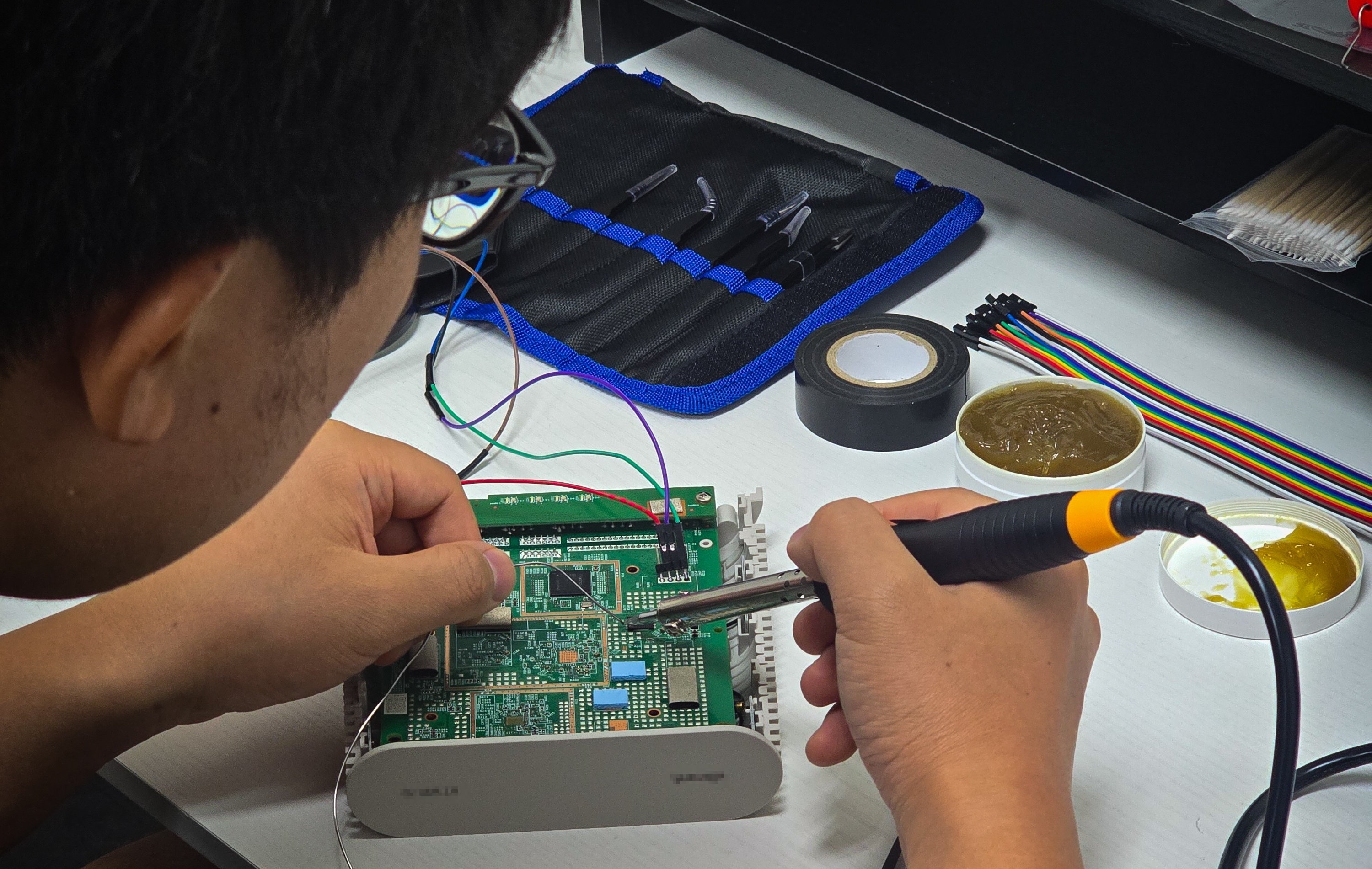
Embedded security has a famously high barrier to entry. It demands hardware and electrical knowledge — working an oscilloscope, reading voltages and signals — alongside system hacking skills for tearing binaries apart and designing exploits. Many security graduates and engineers hit their limit at exactly that intersection and give up partway. The author runs into the same wall constantly, and keeps grinding away at it, plenty of that effort wasted.
That is the real reason this blog exists.
By connecting the trial and error we hit head-on ourselves with the fragmented knowledge scattered around it,
we want to share something a little more organized: a signpost for embedded security that anyone can follow.
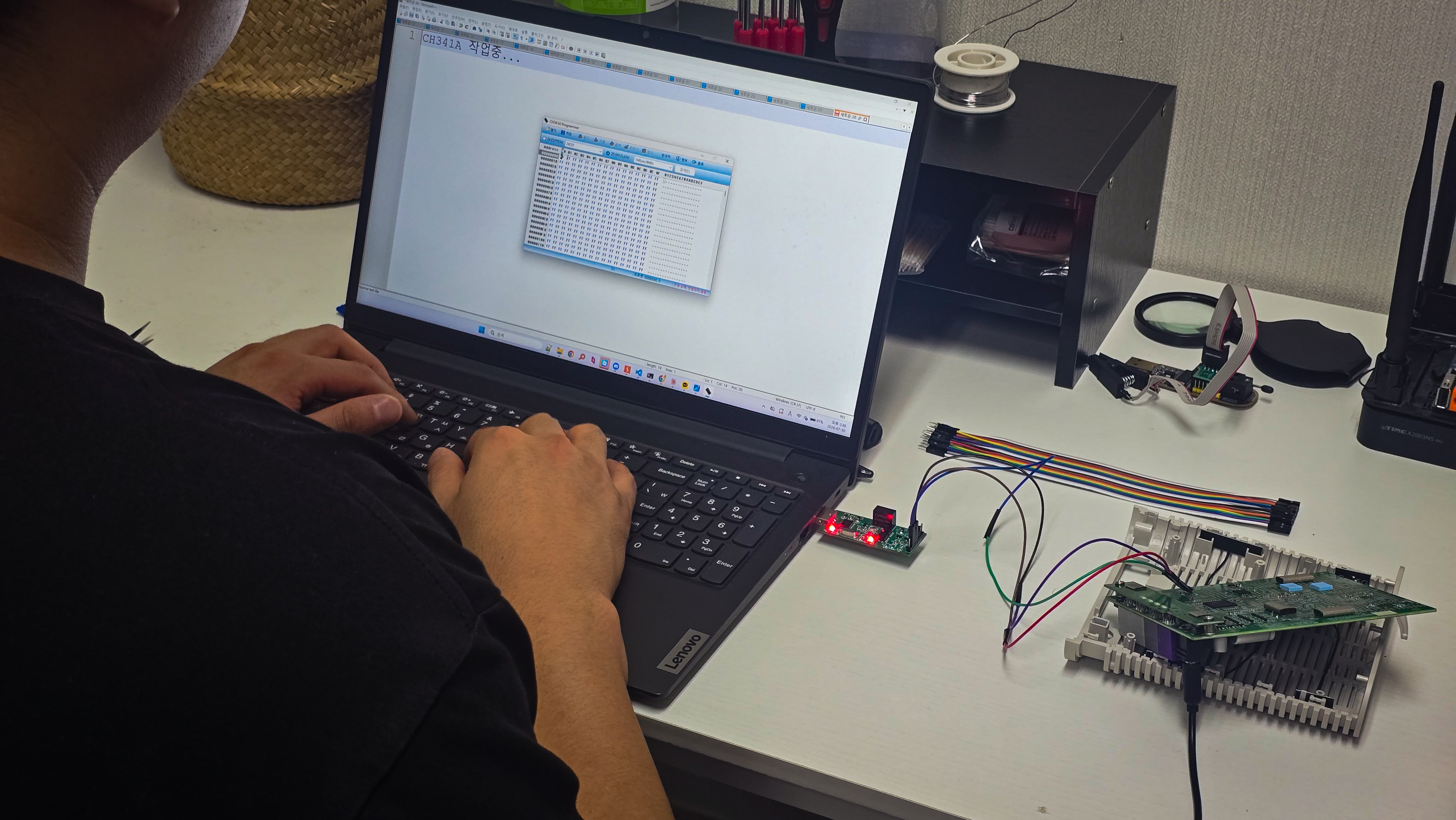
For the hardware and electrical portion — reading schematics and capturing signals — we selected the ipTIME A2003NS-MU along with a domestic WiFi device and an AI speaker. Using these, we will walk through the whole physical analysis chain step by step: opening the case, probing the electrical interfaces, and extracting firmware intact from flash memory.
The software analysis and system hacking portion that follows will look at TENDA's AC15. The vulnerability under review is CVE-2018-5767.
We picked this model because its firmware structure is straightforward enough to implement and test a PoC against directly. The vulnerability is also a relatively simple stack buffer overflow (BOF), the most fundamental class in embedded hacking, which makes it the best fit for easing into the overall flow of system hacking using an extracted binary, with no electrical analysis required.
Barriers to Entry
Analyzing domestic WiFi routers and AI speakers involved far more physical obstacles than expected. Devices with the UART interface deliberately disabled, devices with protection mechanisms applied to the firmware — security designs that differ by manufacturer raised the difficulty considerably, and the work called for additional equipment and new approaches. The specific trial and error will be covered in detail in later parts.
What a Human Did
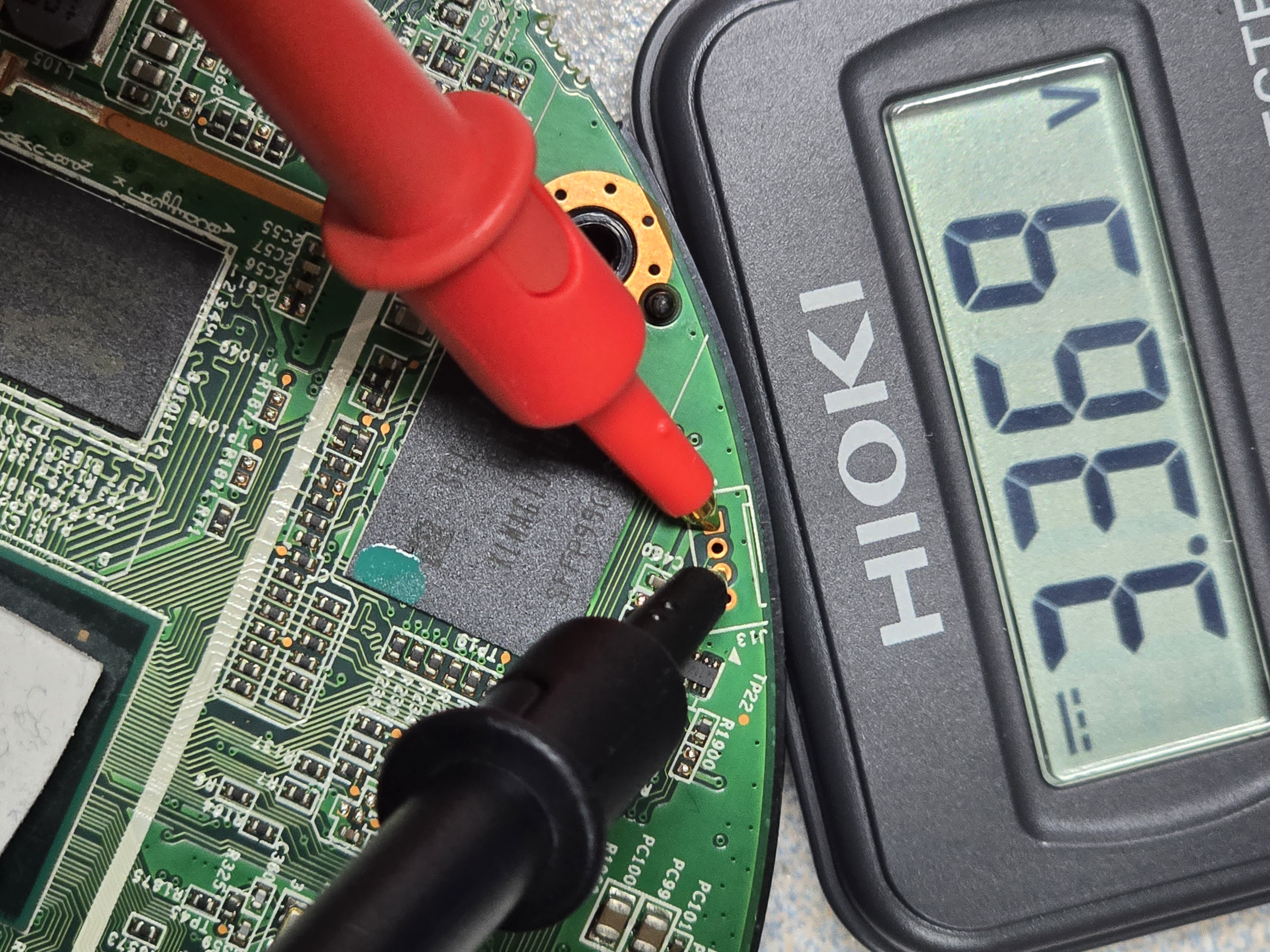
Measuring pin voltages with a multimeter.
Getting a SOIC8 clip to bite when it refuses to seat properly on the chip, solved with what we will politely call physical skill.
Looking at the board, checking datasheets, and using a multimeter to judge whether a pin is UART or SPI.
Splitting partitions with binwalk and pulling decompiled code out with Ghidra during firmware analysis.
Deciding which inputs and which functions to look at first.
Basic soldering and circuit work, and the judgment to keep components from being damaged in the process.
Where AI Helped
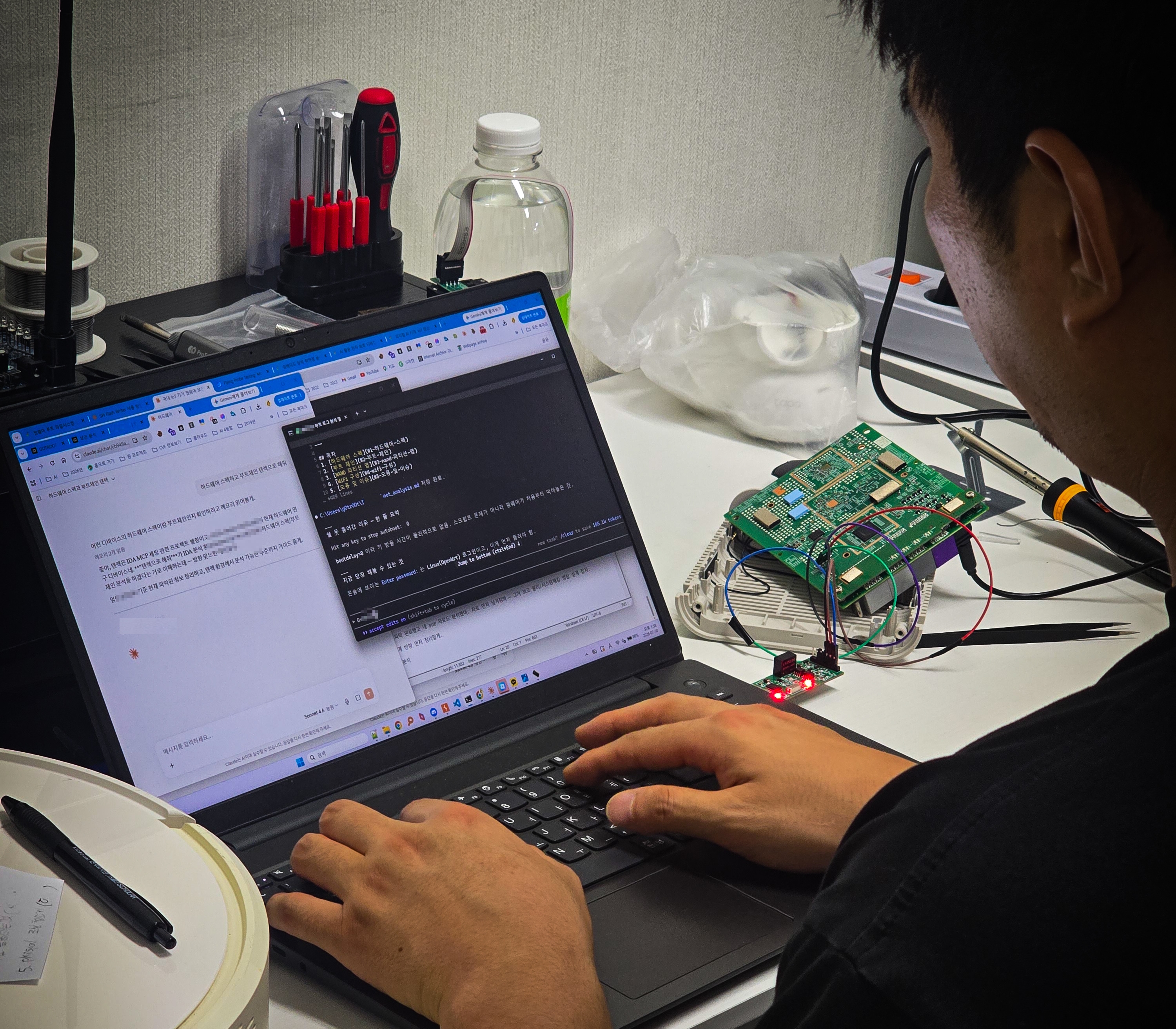
Handing over the first pass on full boot logs to map the boot chain and the overall structure.
Organizing partition structures into tables, or looking up unfamiliar command syntax on the spot.
Listing ROP gadget candidates, or tracking down QEMU configuration errors.
Acting as a generator when writing automation scripts and PoCs.
How the Series Is Organized
Apart from this introduction, each part will open with the background knowledge it requires.
Beyond the introduction it breaks into four parts, and we share the trial and error along the way.
Part | Target | Focus |
|---|---|---|
Introduction | - | Even in the age of AI, IoT still requires physical access. |
Part 1 | ipTIME A2003NS-MU | From UART to dumping the SPI flash ROM |
Part 2 | Domestic WiFi, AI speaker | From bootdelay=0 to enameled wire |
Part 3 | Foreign WiFi firmware | From copy-paste to tenrec |
Part 4 | Domestic WiFi | A record of UART and SPI flash ROM failures, plus analysis |
The journey toward a successful analysis continues after that.
What We Tried
[Domestic WiFi, AI speaker] Disassemble the device - analyze the PCB - connect over UART/SPI - extract the firmware - analyze the filesystem - reverse the binary [Foreign WiFi] Download the firmware online with no hardware at all - analyze the filesystem - reverse the binary - find the vulnerability - PoC |
|---|
Will Physical AI and World Models Change This?

"This is the picture in our heads whenever we explain Physical AI these days"
We gave AI arms and legs.
More precisely, we attached sensors and actuators and let it act directly in the physical world.
The industry calls this Physical AI.
Once Physical AI has limbs and can judge a situation through a World Model, could a robot then find UART pins, place a multimeter, and solder? And if so, does IoT red teaming get automated too? That is the question that naturally follows.
Going by the image above,
a combined Physical AI and World Model could, in theory, run an IoT assessment in roughly this order:
Read the PCB image → infer UART pin candidates → position the probe → measure voltage → interpret the result → decide the next action |
|---|
Full agentic automation, though, looks like it is still a long way off.
For now, physical assessment is unavoidable, and a soldering iron and a multimeter are still required. Even once Physical AI and World Models arrive, handling hardware directly and reading signals off it will remain a human domain for some time. That is exactly why we are writing this blog. What an LLM-based text model can and cannot do still sit side by side, and we see that gap as the barrier to entry for IoT red teaming.
As far as we know, millimeter-scale physical work like this is under continuous research with robotics today.
We think a robot arm combined with a vision model could get as far as looking at a PCB, identifying pins, and clipping onto them — in an environment where the design files (CAD/coordinate data) are supplied in advance. Lab-scale research on automating straightforward soldering is already underway.
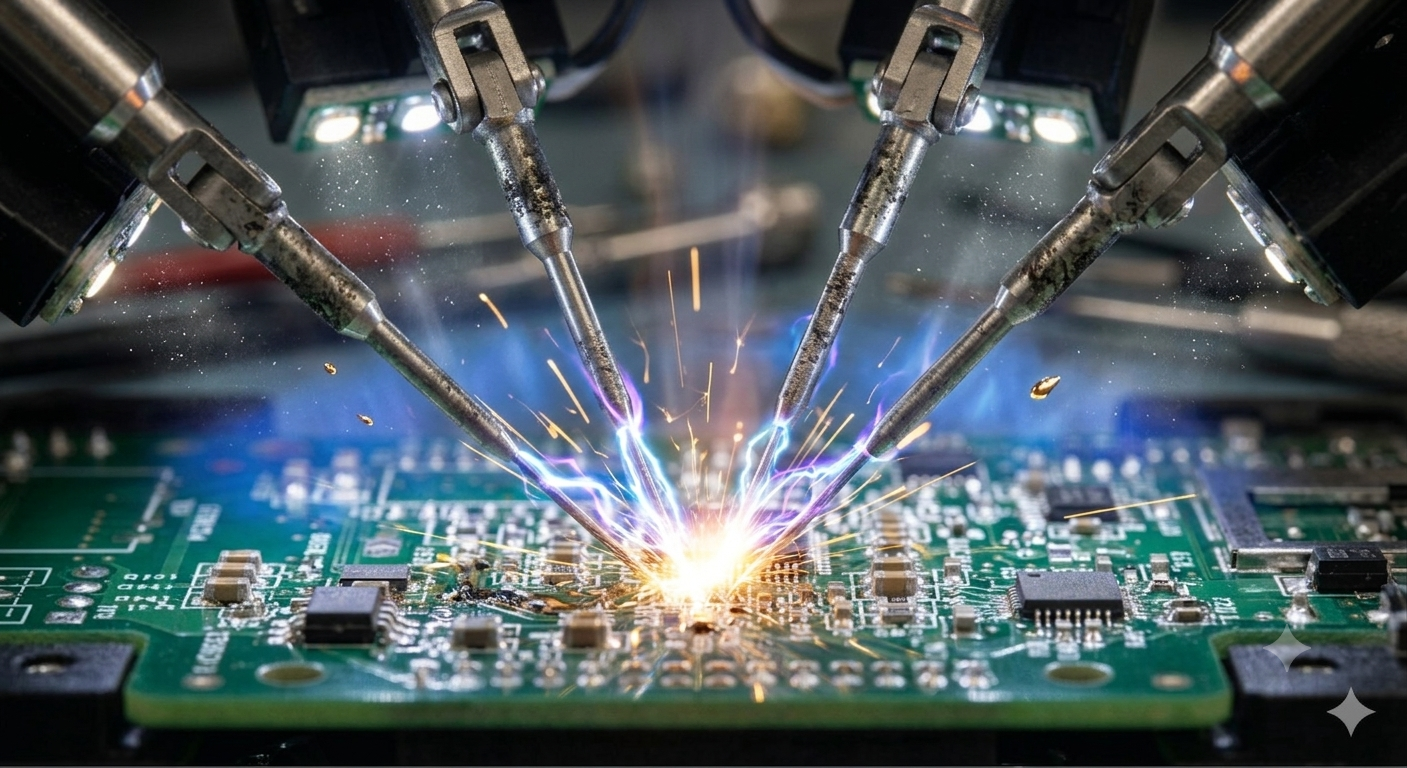
IJARIS (2026) implemented a system in which a robot arm automatically measures voltage and resistance at predefined test points on a PCB, performing direct electrical verification that reduces manual intervention and improves diagnostic efficiency.
An environment where the test point coordinates exist and you already know where to measure. Under those conditions, robots are doing it today. But what you meet in the real world is the opposite. You start with no pinmap, no datasheet, and no idea whether the manufacturer even left a debug interface on the board.
We can revisit this once robots can pick up a soldering iron. Until then, breathing solder fumes and burning through boards to become the person who can do what AI cannot strikes us as the most realistic strategy right now. Which is to say: keep watching how far robots and AI actually climb.
For a hardened, customized system in an environment with no CAD or comparable information, we expect human hands will still be required.
Closing
AI is a tool that cuts down repetitive work in IoT assessment. It is already used heavily on the system hacking side, but on the physical side it still falls short of being a proper assistant. Either way, deciding what to look at first and what to trust remains a human job.
From the next part onward we will deal exclusively with embedded Linux — unlike the general-purpose Windows or Linux you install on a desktop or laptop, it is a Linux operating system built to control hardware and run inside purpose-specific devices such as routers, smart TVs, IoT devices, and navigation units.
Sources & References